Remote assistance with technical triage
Open a request, share the problem context and connect with the NM3D team for guided diagnosis and resolution.
Tell Iris what is happening.
Iris identifies the installation, creates or confirms the ticket and, once it is open, uses the authorised technical documentation to guide safe checks. If the issue is not resolved, the request remains registered for NM3D technical follow-up.
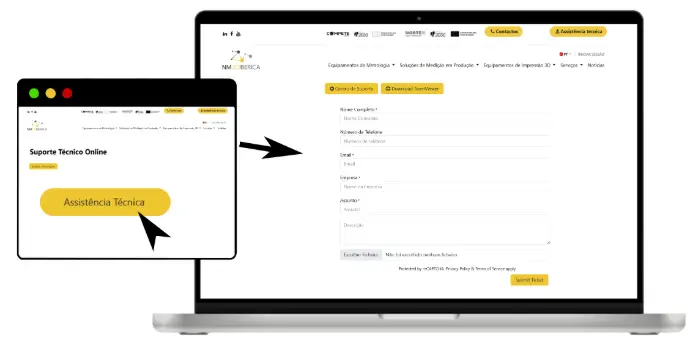
Welcome to the Support Centre
Download TeamViewer (Remote Support)
To simplify support requests and serve you better, we use a support ticket system. Each support request is assigned a unique ticket number that can be used to track progress and responses online. For your reference, we keep a complete record and history of all your support requests. A valid email address is required to submit a ticket.
How it works
Choose the category that best suits your request below.
Fill in the form with as much detail as possible (photos, serial numbers, error messages).
You will receive a unique ticket number by email and will be able to track progress and responses at any time.
For general comments, suggestions for improvement, or complaints about our service, products or customer care.
Breakdowns, malfunctions or physical problems with equipment and machines (metrology, 3D printing). Includes requests for on-site or remote technical assistance.
Problems with installed software, licences, updates, configurations or connection to equipment.
Specific questions about 3D printing: materials, print parameters, printed parts or consumables.
Breakdowns, calibration, programming or technical support for robotic arms, robotic cells and industrial automation systems.
Not sure which one to choose? Contact us and we'll help direct your request.